Twoman · double dates on iPhone Never third-wheel again.
Twoman is a double-dating app. You and your best friend make one profile together, a twoman. Match with another pair and all four of you plan the night in one chat.


How it works
How a night goes
Four steps from “we should go out” to a table for four.
-
Setup
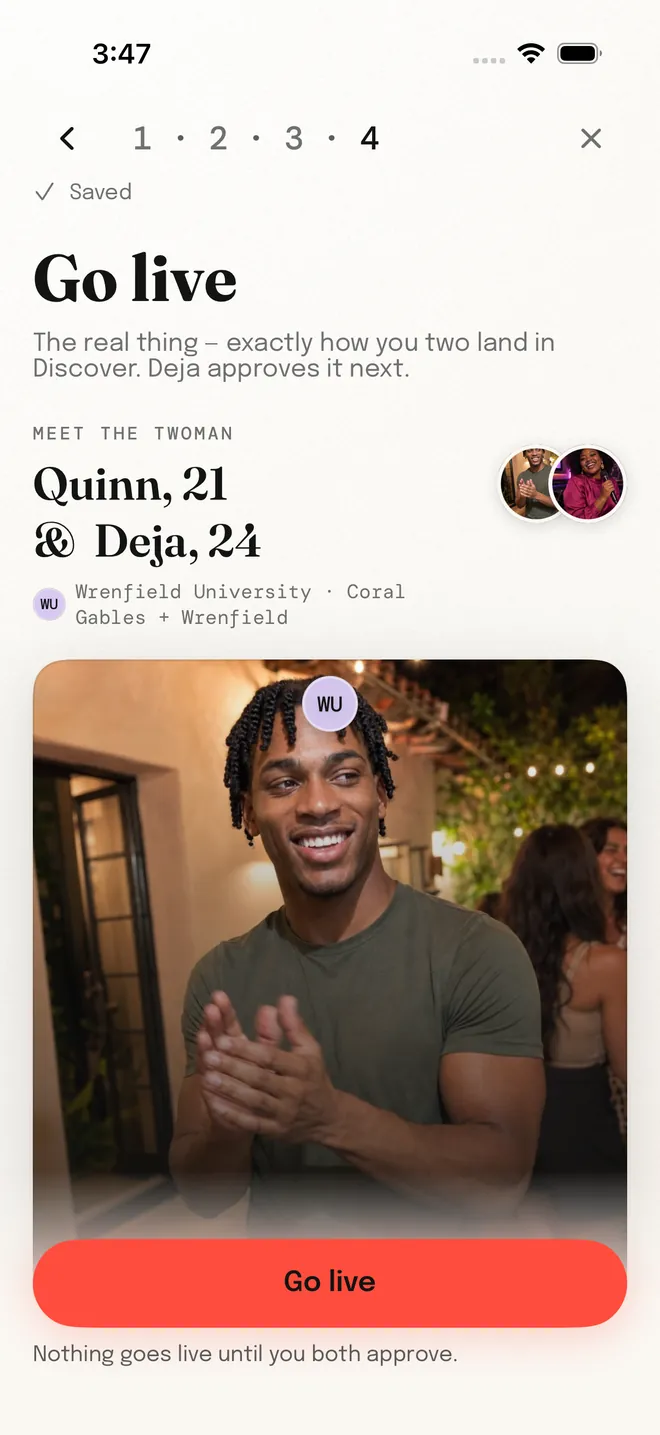
Pick your twoman
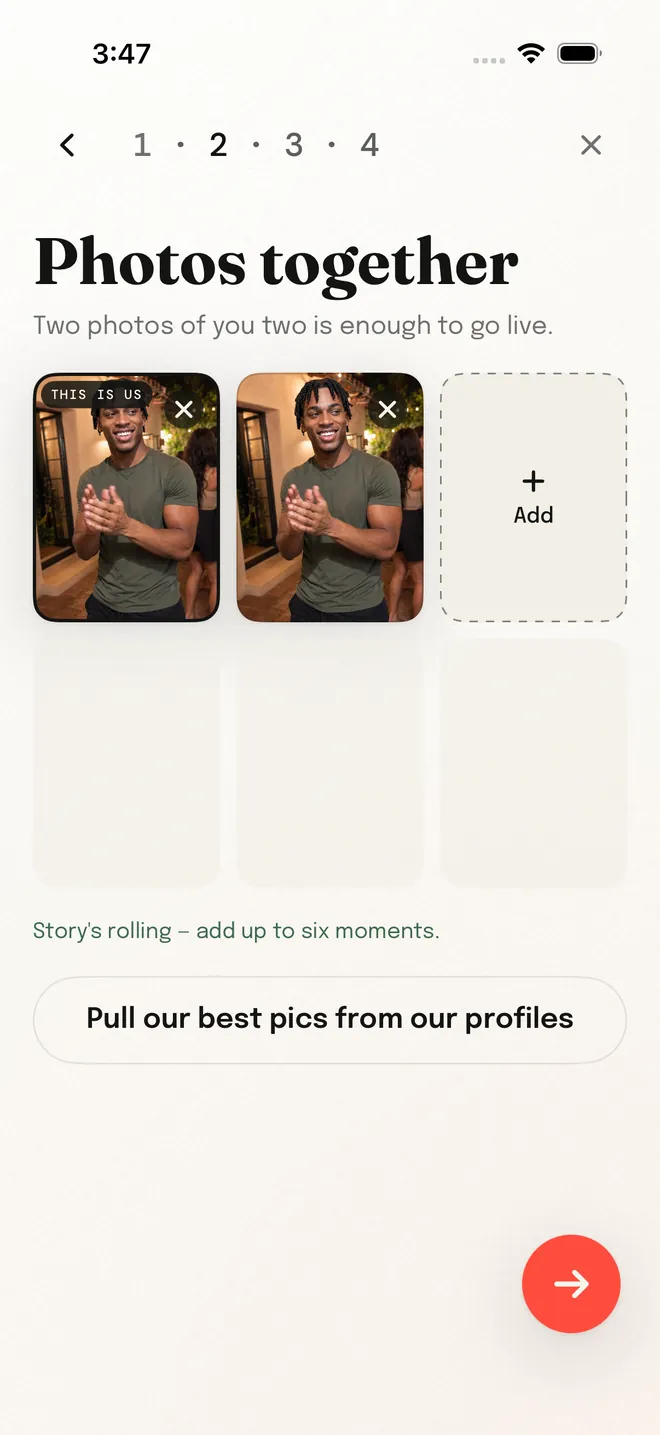
Invite your best friend and build one twoman profile on top of your own. Nothing goes live until you both approve it, and any photo of your friend needs their yes.
-
Tonight
Tonight’s edition
A short set of twomans, one at a time. Like a photo or a prompt, or pass. When the edition is done, so is tonight. No endless swiping.

-
Match
Both pairs say yes
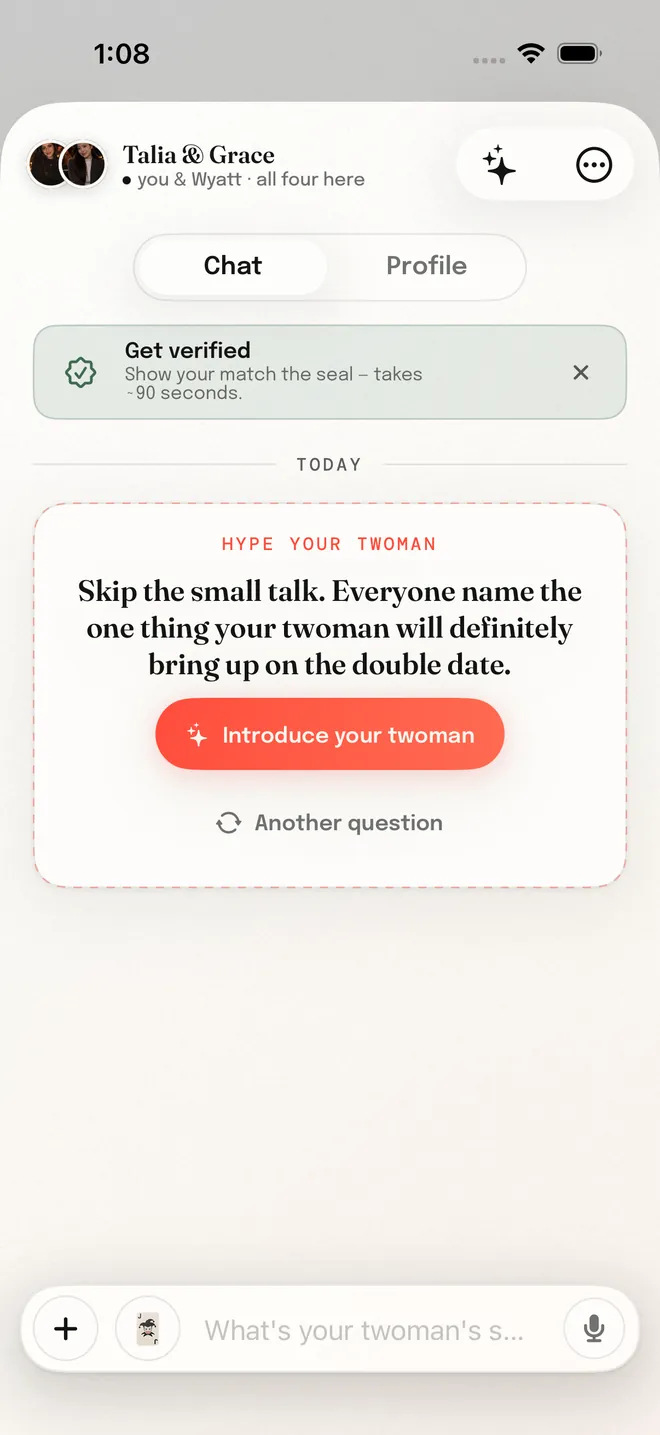
A mutual like opens one chat for all four of you. Your friend is there from the first message.
-
The Move
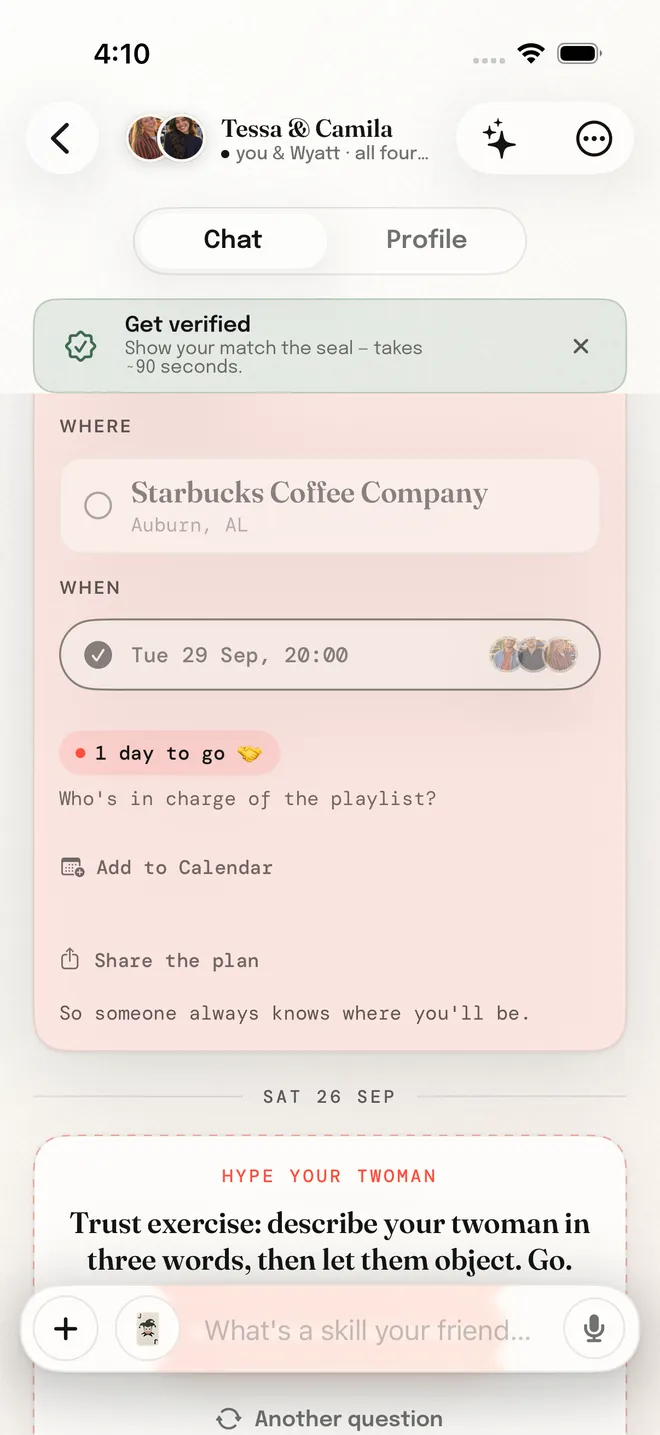
Pick a time and a place together
Anyone can add an option, everyone votes, and when all four land on the same time it’s locked in.

The moment
It’s a match.
Both pairs said yes. One chat opens for the four of you, with an opening move already on the table, so nobody has to start with “hey”.

Openers from the app, word for word
- Draft night. You’re taking your twoman first overall. Give the scouting report in one line.
- Two pairs, one chat. Give your twoman a yearbook superlative. Most likely to what?
- Trust exercise: describe your twoman in three words, then let them object. Go.
- Everyone answer at once: what is your twoman weirdly good at? The more useless the skill, the better.
- Campus edition: if majors were honest, what would your twoman’s major be? One line each.
- Skip the small talk. Everyone name the one thing your twoman will definitely bring up on the double date.
Trust and safety
Nobody meets a stranger alone.
- The person comes first
- Blocking and reporting are tied to the person, never the twoman. Block someone and the match ends for everyone, and they can never match you again.
- 18 and over
- Every account is for adults. Photos are stripped of location data before anyone sees them.
- Help is one tap away
- Report from any profile or chat. Dating safety tips and our community guidelines say what we expect.
Accounts and sign-in
How you sign in, and what Twoman does with your data
You create your Twoman account inside the iPhone app. There are three ways in, and they all lead to the same place.
- Sign in with Apple
- Apple sends Twoman your name and an email address. You can hide your real address behind Apple’s private relay if you’d rather.
- Sign in with Google
- Twoman requests three pieces of information, and only these three: your name, your email address, and your Google profile picture.
- Email and password
- No third party involved. This way in always stays open, so a social sign-in is never the only door.
- Why Twoman asks for this data
- Your email address creates and secures your account. It is how Twoman keeps one account per person, lets you sign back in on a new phone, and sends you account and safety notices. It is never shown to other people on Twoman. Your name appears on your Twoman profile, so the people you match with know who they are talking to; you can edit it at any time. Your profile picture is offered as a starting photo when you build your profile. You are never required to use it, and you can replace or remove it.
- What Twoman does not ask for
- Twoman requests no access to any other Google service: not Gmail, not your contacts, not Drive, not Calendar, not Photos. The only permissions requested are the standard sign-in ones:
openid,emailandprofile. Twoman does not sell your personal data, and does not share it with advertisers. - Your data, your call
- Full details are in the Twoman privacy policy. You can delete your account and everything in it at any time, from inside the app or from this website.
Grab your twoman
Better with your best friend.
Download Twoman, invite your best friend, and make the next night out a double date.